Marketing
Marketing Automation Workflows for Startups: 7 Practical Examples
Seven marketing automation workflows startups can use without overbuilding: lead capture, nurture, social publishing, competitor monitoring, creative review, launch follow-up, and reporting.

Marketing Automation Workflows for Startups: 7 Practical Examples
Startup marketing automation should remove repetitive work without making the business feel robotic. The best workflows are simple, reviewed, and connected to a clear business moment.
If a workflow does not save time or improve follow-up quality, it is probably too clever.
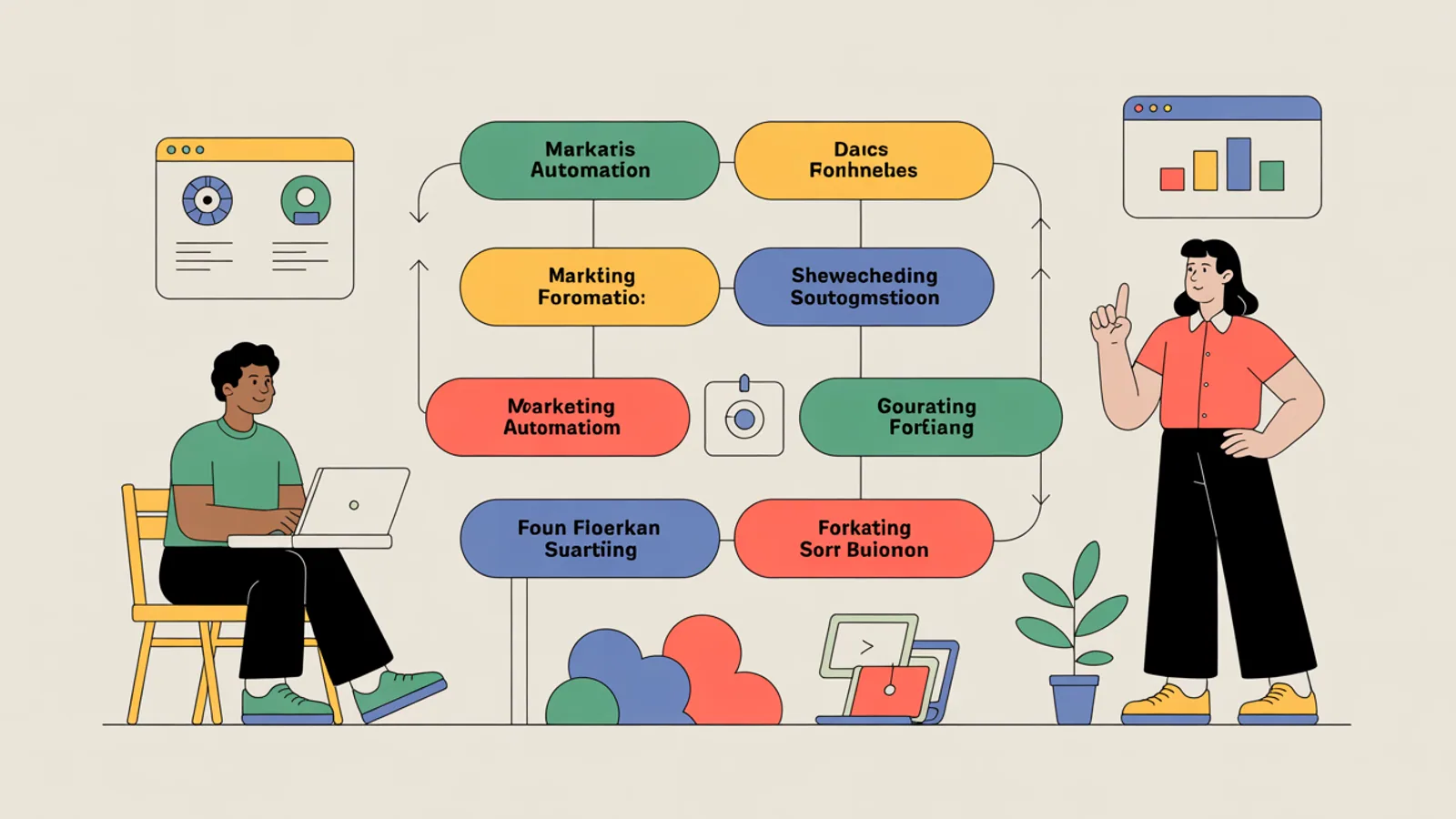
1. New lead capture to first response
Trigger: a form submission, waitlist signup, or demo request.
Action: enrich the lead context, summarize the likely intent, draft a first response, and create a follow-up task. A human should review high-intent or high-value leads before anything important is sent.
2. Content idea to social draft
Trigger: a saved campaign angle or approved blog topic.
Action: draft LinkedIn, X, and short email variants using the brand voice. Route the draft to review before scheduling.
MITPO's Automation docs explain how to think about this kind of reviewed workflow.
3. Competitor update to positioning note
Trigger: a competitor changes a homepage, pricing page, or major campaign.
Action: summarize what changed, identify the likely positioning move, and suggest whether your next campaign should respond.
Pair this with Competitor Intel so the workflow starts from real research instead of a vague alert.
4. Campaign brief to creative review
Trigger: a campaign brief is approved.
Action: create first creative variants, check whether they match the audience and claim, then send the asset to a reviewer.
This is where Creative Studio becomes more useful than a standalone image generator.
5. Trial signup to onboarding nurture
Trigger: a user starts a trial or activates a free workspace.
Action: send helpful onboarding messages based on what they have completed, not a fixed sequence that ignores behavior.
6. Webinar or launch follow-up
Trigger: a launch event, webinar attendance, or product update.
Action: segment attendees, draft follow-up emails, schedule social clips, and create a short campaign report.
7. Weekly learning summary
Trigger: every Friday afternoon.
Action: summarize campaign performance, top content signals, competitor movement, and recommended next actions.
This is often the most valuable automation because it turns activity into learning.
Keep the rule simple
Automate preparation, drafting, routing, and reporting. Keep human review for claims, high-value communication, and anything that could affect brand trust.
MITPO Editorial & Research Team
Operator-verified playbooks benchmarked on active 2026 marketing workflows.
Further Reading
Related Articles

The Psychology of Color in Branding: A Complete Guide
Color isn't just aesthetic; it's emotional. Learn how top brands use color theory to influence purchasing decisions and build lasting brand perception.

How to Build a Brand Voice Guide That Your Team Will Actually Use
A step-by-step guide to creating a practical, actionable brand voice document that ensures consistent messaging across all channels.

How to Write Headlines That Get Clicks (Without Being Clickbait)
Learn the psychology and proven formulas behind headlines that capture attention, drive engagement, and deliver on their promise.