Design
Design Trends That Will Dominate 2026
From neo-brutalism to glassmorphism 2.0, explore the visual styles that are defining the aesthetic of the next web generation.

Design Trends That Will Dominate 2026
Web design is a reflection of our digital culture. In 2026, we are seeing a fascinating blend of nostalgia and hyper-futurism. We are moving away from the overdone "Corporate Memphis" flat art style (those soulless illustrations with noodle-arm people) into richer, more textured, and more real experiences.
Here's what you need to be building.
1. Bento Grids
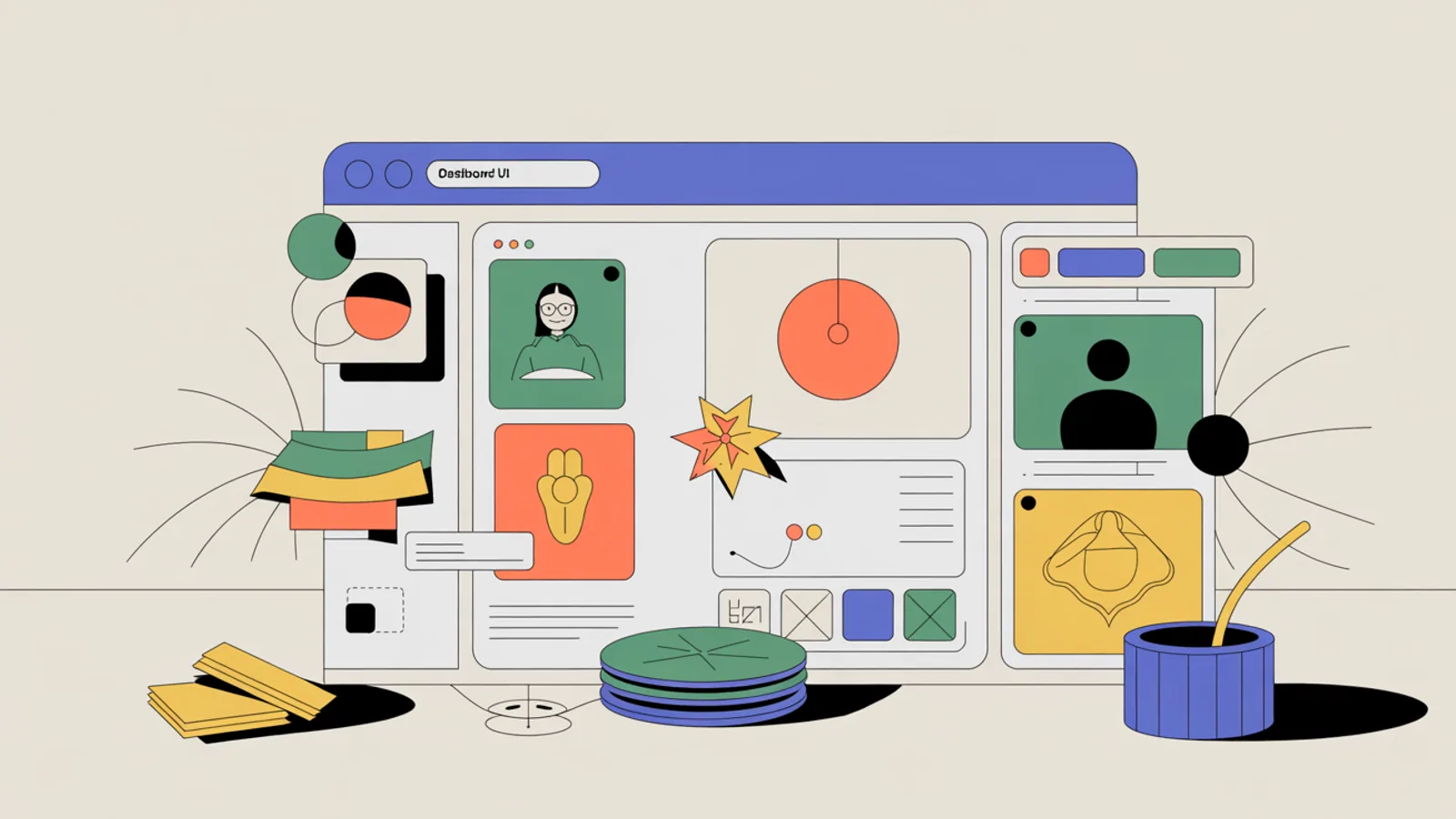
Inspired by Apple's promotional videos and modern dashboard UIs, the "Bento Grid" layout has taken over. Think of it like a Japanese bento box: a clean, modular, grid-based way to present information. They are responsive, organized, and visually satisfying.
Why do they work?
- Modularity: Easy to stack on mobile. A 2x2 grid on desktop becomes a 1-column stack on mobile without layout surgery.
- Hierarchy: You can make important cells larger (2x2) and less important ones smaller (1x1), guiding the user's eye.
- Visual Interest: It breaks the monotony of a standard list or single-column blog view.
Pro Tip: Use subtle reveal animations. As the user scrolls, have each bento cell fade in slightly staggered. The effect is premium.
2. Dark Mode by Default
Dark mode is no longer an option or an afterthought; for many SaaS products, it's the default. It saves battery on OLED screens, reduces eye strain for developers and power users who stare at screens all day, and frankly, it implies a "premium" software feel.
However, 2026 Dark Mode isn't just pure black. It's rich, deep greys (like zinc-950), midnight blues, and charcoal textures, often paired with glowing gradients that create a sense of depth and lighting, as if the UI elements are emitting soft light.
3. Micro-Interactions & "Scrollytelling"
The magic is in the details. Subtle hover states, loading animations, and scroll-triggered reveals make interfaces feel alive and responsive. "Scrollytelling"-where the story unfolds as you scroll down, with elements moving, fading, and creating a cinematic experience-is the standard for high-end landing pages.
Key Micro-Interactions:
- Button Press: A slight scale-down and color shift on click.
- Hover States: Cards that lift with a shadow, icons that subtly animate.
- Page Transitions: Fading between pages instead of hard jumps.
4. Glassmorphism 2.0
Glassmorphism hasn't left; it's matured. We are seeing thinner strokes, more subtle background blurs, and "chromatic aberration" effects that mimic the refraction of real glass. It adds a layer of sophistication and depth without cluttering the UI.
The key to doing it right:
- Don't overdo the blur. It should be subtle.
- Ensure contrast. The text on top of the glass panel must be readable.
- Use it sparingly. One glassmorphic hero card is elegant. Every element being translucent is chaos.
5. 3D Elements & Spline Integrations
Flat is boring. 2026 welcomes the strategic use of 3D models and scenes embedded directly into web pages using tools like Spline or Three.js. Product pages with rotatable 3D models of the product convert significantly higher.
Next step
Turn this into a practical workflow with the creative workflow guide.
MITPO Editorial & Research Team
Operator-verified playbooks benchmarked on active 2026 marketing workflows.
Further Reading
Related Articles

Generative UI: The Future Where Interfaces Design Themselves
Imagine an app that changes its entire layout based on who is using it. Generative UI is making static interfaces a thing of the past.

Top 5 Mistakes Startups Make With Their Landing Pages
Your landing page is your storefront. Don't sabotage conversions with these common, easily fixable errors.

AI Creative Studio for Marketing Teams: A Practical 2026 Guide
How marketing teams should use an AI creative studio to move from campaign idea to brand-safe assets, with layered editing, variants, and review built into the process.